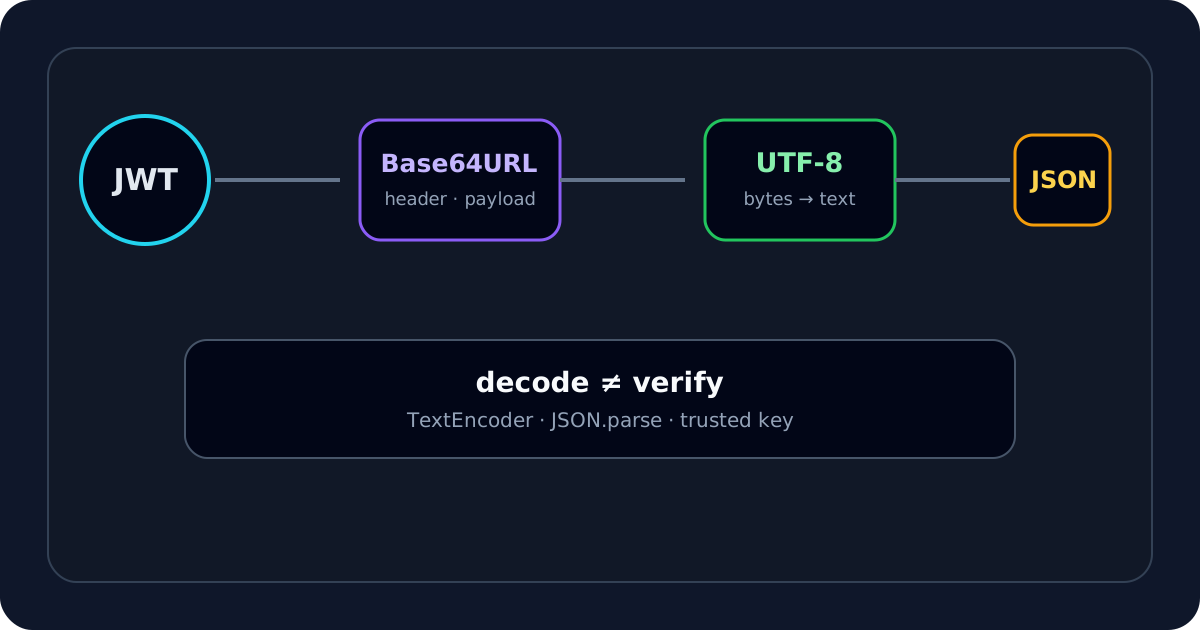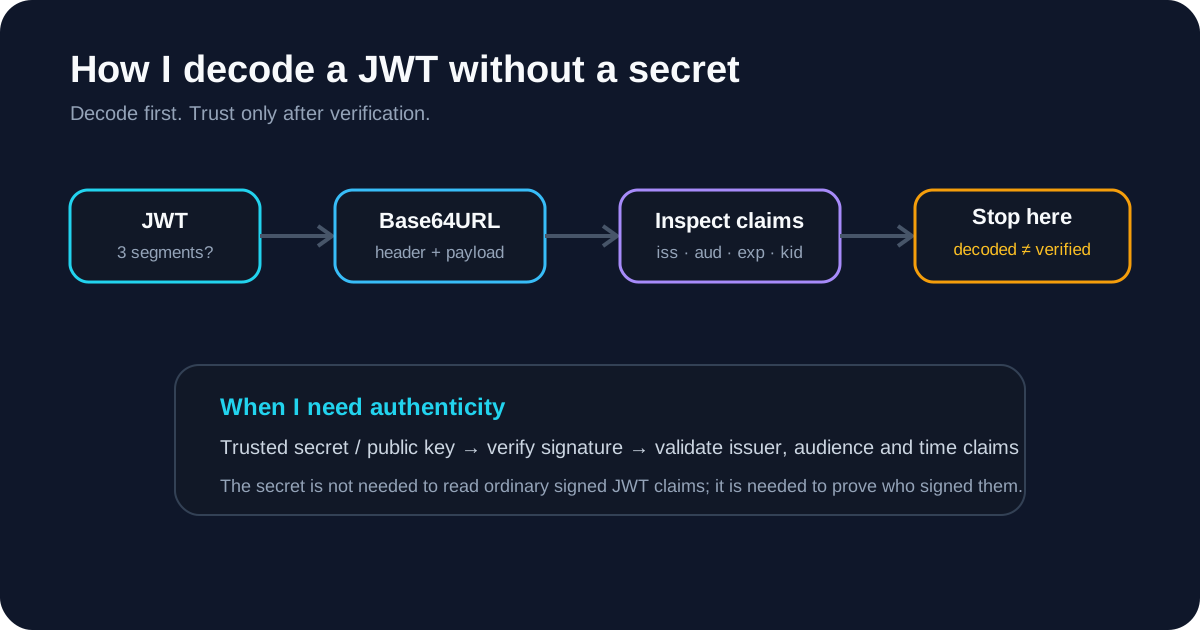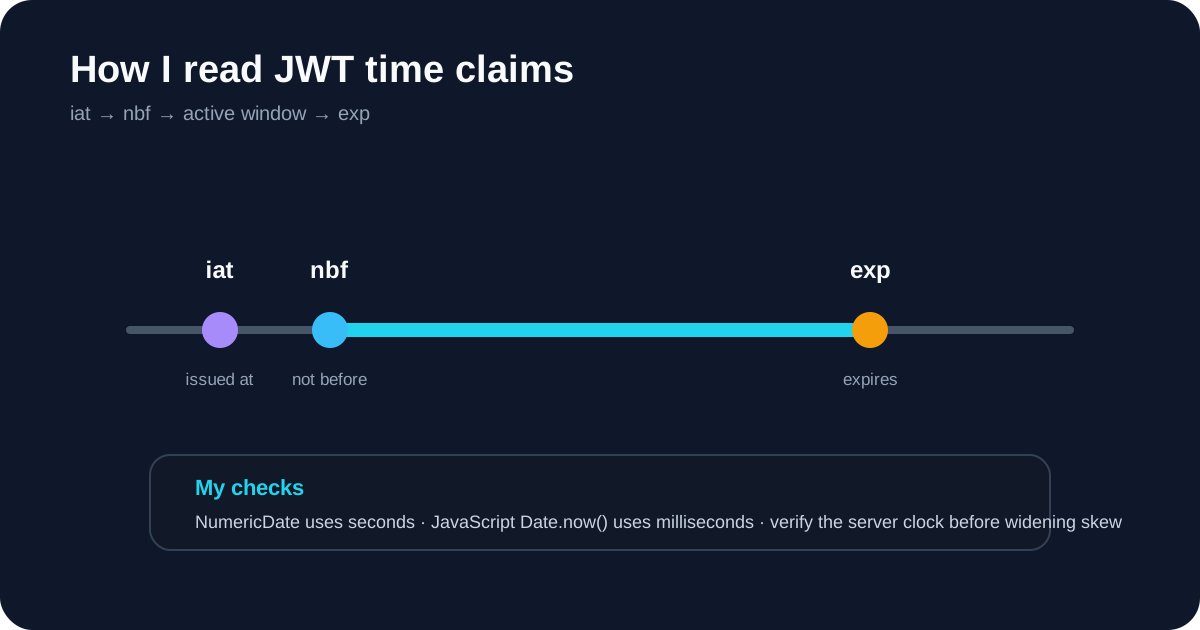
When I see token expired, jwt expired, or a 401 that might be time-related, the first claim I check is usually exp. I do not assume the library error tells the whole story. I decode the token, convert the timestamp myself, compare it with the verifier's clock, and then decide whether expiration is actually the root cause.
If I only need a fast answer, I use the JWT Expiry Checker to turn exp, iat and nbf into readable UTC times.
What I expect exp to mean
RFC 7519 defines exp as the JWT Expiration Time. It is a NumericDate value measured in seconds from the Unix epoch.
A payload can look like:
{
  "sub": "user_123",
  "iat": 1789200000,
  "exp": 1789203600
}
When I inspect this token, I read iat as the declared issue time and exp as the point after which the token should no longer be accepted.
The comparison I care about is conceptually:
current verifier time >= exp
Once that becomes true, a verifier enforcing expiration should reject the token.
The first mistake I check for: seconds versus milliseconds
This is one of the easiest JWT bugs to spot.
JWT NumericDate values use seconds. JavaScript Date.now() uses milliseconds.
So when I check a token in JavaScript, I expect code like:
const expiresAt = payload.exp * 1000;
const expired = Date.now() >= expiresAt;
If I see code comparing Date.now() directly with a normal ten-digit exp, I know the units are wrong.
I use the decoder or expiry checker to avoid doing this conversion mentally, especially when I am comparing logs from several services.
How I tell whether the token is actually expired
I use a short sequence:
- I decode the token and confirm
expexists. - I convert
expto UTC. - I compare it with the clock used by the service that rejected the token.
- I inspect
nbfandiatat the same time. - I check whether the verifier applies clock tolerance.
The important detail is step 3. My laptop clock is not necessarily the authority. The API or gateway doing the verification uses its own clock.
How I think about clock skew
RFC 7519 allows implementations to use a small amount of leeway to account for clock differences.
When a token appears to expire slightly too early, I check three things before changing configuration:
- is the API server clock synchronized?
- is the identity provider clock synchronized?
- does the JWT library have an explicit tolerance setting?
I do not add a large grace period just to make the error disappear. A wide tolerance effectively extends the acceptance window beyond the issuer's declared exp value.
If the failure is only a few seconds around the boundary, clock skew is plausible. If the token expired an hour ago, skew is not a useful explanation.
What I do when exp is missing
A missing exp does not automatically mean the JWT format is malformed.
The base JWT specification defines exp, but different token profiles decide which claims are required. So I do not label every token without exp as invalid.
Instead, I ask what kind of token I am dealing with and what policy the application expects.
For an access token that is supposed to be short-lived, missing expiration is something I want to investigate. The JWT Validator reports that condition without pretending that every JWT profile has identical requirements.
Why an unexpired token can still fail
This is the point where I avoid tunnel vision.
If exp is still in the future, I move on. A token can be unexpired and still fail because:
- its signature does not verify;
nbfis in the future;- the issuer is wrong;
- the audience is wrong;
- the token came from another environment;
- the API expects a different token type;
- required scopes or roles are missing.
If time looks fine, I use the JWT Debugger for issuer/audience checks and the JWT Signature Verifier when I have trusted key material.
Why I do not edit exp to “fix” the token
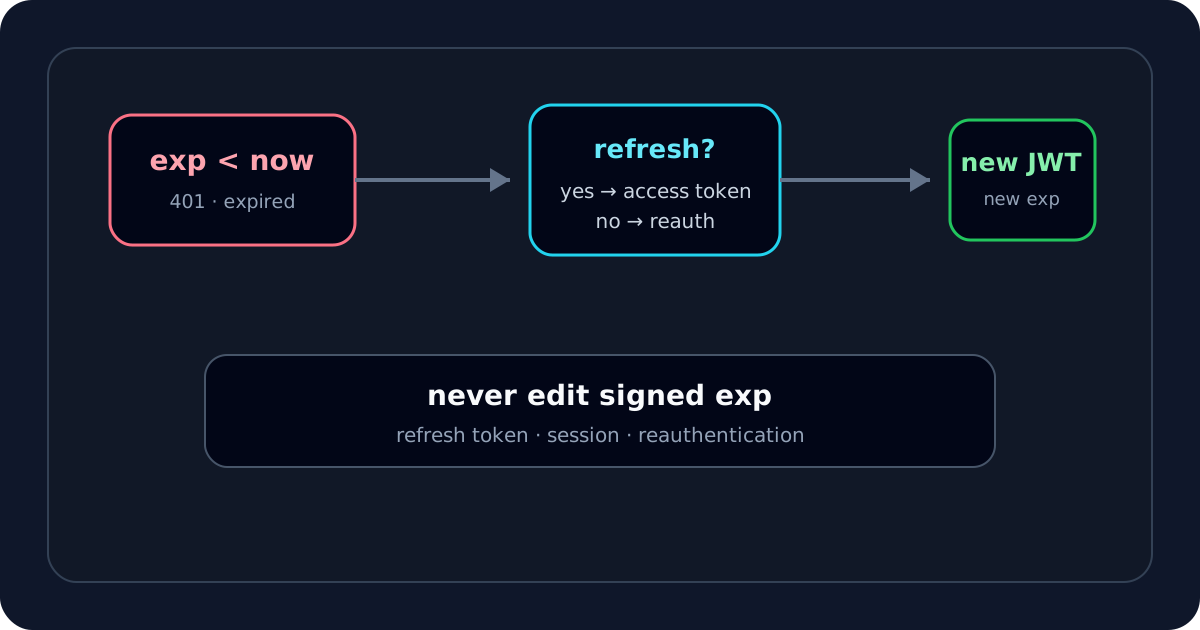
If a signed token is expired, I do not change the payload and expect the old signature to remain valid.
The signature covers the encoded header and payload. Changing:
{
  "exp": 1789203600
}
to a later value changes the signed bytes.
Without authorized signing credentials, the modified token should fail signature verification.
The legitimate fix is usually to obtain a new token through the authentication or refresh flow supported by the system.
How I use iat, nbf and exp together
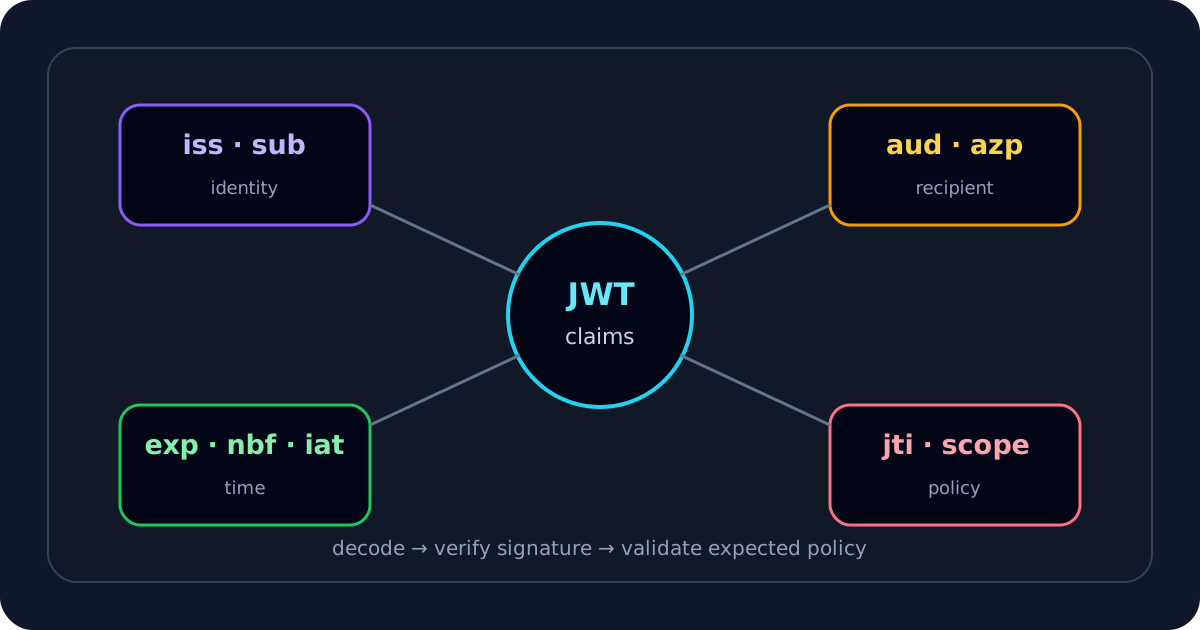
I rarely inspect exp in isolation. I look at the token timeline:
issued -------- active window -------- expired
  iat     nbf                     exp
I ask:
- does
iatmake sense for when the login happened? - is
nbflater than the current verifier time? - is
explater thaniat? - is the declared lifetime unexpectedly long or short?
An odd timeline can reveal a unit conversion error, a clock problem, a bad token from another environment, or a profile-specific policy issue.
My practical exp troubleshooting flow
When I suspect expiration, I work through this order:
- I open the JWT Expiry Checker.
- I confirm
expis interpreted as seconds, not milliseconds. - I compare the decoded UTC time with the rejecting service's clock.
- I inspect
iatandnbffor contradictions. - I check configured clock tolerance.
- If the token is genuinely expired, I replace it through the intended authentication flow.
- If the token is still active, I stop blaming
expand check issuer, audience and signature.
For me, exp is a fast diagnostic signal, not a complete verdict. It answers “is this token outside its declared time window?” It does not answer “should this application trust and accept the token?”